
SOFTWARE DATABASE / RELEASE RECORD
VERSION 5.08.02Magneti Marelli Vision ECU Calibration and Real-Time Mapping Suite 5.08.02
Windows motorsport ECU monitoring and calibration environment with acquisition channels, diagnostics, maps, virtual channels and setup pages for compatible Marelli projects.
Categories
Overview
Magneti Marelli Vision is a professional motorsport ECU monitoring and setup environment for accessing controller calculations and vehicle calibration data. Its configurable workspace combines acquisition channels, diagnostics, maps, virtual channels, potentiometers, driver controls and setup pages for monitoring ECU behaviour and organizing calibration work.
The package contains an installer, compiled help, a getting-started guide and the full user manual. Communication requires compatible Magneti Marelli hardware, the correct project/configuration file and a controller supported by that environment. Vision is a calibration front end, not a universal flashing interface.
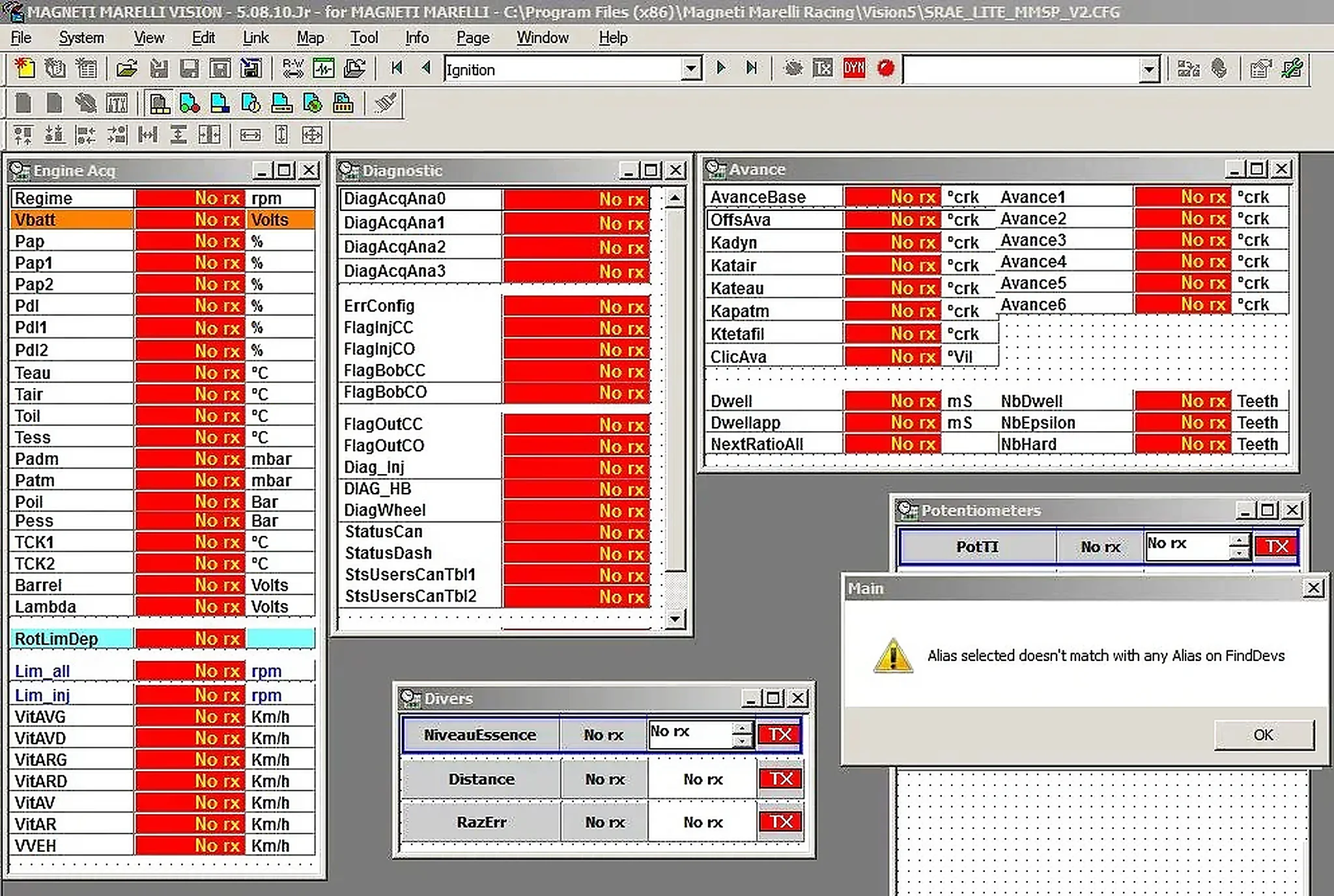
The package is listed as 5.08.02. The illustrative workspace shows 5.08.10.Jr in its title bar, with No rx states and an alias-selection warning.
What This Resource Is For
Use Vision with a matching Magneti Marelli motorsport project and communication setup. During controlled bench or vehicle calibration sessions, it can monitor internal channels, adjust exposed parameters, compare maps and record the ECU’s response.
Confirmed Functions
- Display acquisition channels including engine speed, pressures, temperatures, lambda and vehicle speed.
- Arrange diagnostics, ignition advance, injection, driver and potentiometer information in movable pages.
- Open and edit calibration maps and setup parameters exposed by the loaded ECU project.
- Create virtual channels, work points and links for analysis and calibration.
- Use the dyno-monitoring and data-upload functions described in the supplied manual.
Supported Controllers, Files and Vehicles
- Magneti Marelli motorsport ECUs with a valid matching Vision project/configuration and compatible communication interface.
- The illustrated racing-ECU workspace includes engine acquisition, diagnostic flags, advance, dwell and driver channels.
- Compatibility depends on the ECU family, firmware, project definition and interface, rather than vehicle make alone.
- Coverage is not established for standard road-car Marelli ECUs without a matching Vision definition.
Package Contents
- Application installer.
- Getting-started PDF and full user manual.
- Compiled Vision help library.
- A packaged-build version-identification marker.
- Package documentation reports static inspection of executable content without launching it; these are documented preparation claims, not ECUDB execution tests.
System and Interface Requirements
- A Windows workstation or isolated engineering laptop.
- Compatible Magneti Marelli ECU communication hardware and drivers.
- The correct Vision project/configuration file for the target controller.
- Stable vehicle or bench power, safe dyno procedures and an independent recovery route.
- Calibration knowledge: displayed channel and map values do not validate themselves.
Recommended Workshop Workflow
- Record the ECU hardware, firmware and project identity before connecting.
- Load the matching project and check that channel names and units are plausible.
- Start with monitoring only, verifying RPM, voltage, temperatures and pressures against independent instruments.
- Save the original calibration and create a separate working revision before editing maps.
- Make small documented changes, log the results and restore the baseline immediately if behaviour becomes abnormal.
Compatibility Limits and Responsible Use
- The application does not include a universal vehicle interface or a project for every Marelli ECU.
- A project may open successfully while being incompatible with the connected firmware revision.
- Real-time changes on a running engine can cause immediate mechanical damage if operating limits are misunderstood.
- The operator remains responsible for road legality, emissions compliance and applicable motorsport rules.
Troubleshooting
- No RX values: check drivers, ECU power, link selection, project alias and communication settings.
- Incorrect units or implausible channels: stop and verify the project definition before making edits.
- A map or page is missing: confirm that it is exposed by the loaded configuration and that the correct user level is selected.
- Connection interruptions: improve bench power and grounding before starting another calibration session.
File Integrity and Safety Notes
Package documentation describes archive testing and extraction, opening nested containers where present, and static inspection of executable content without launching it. ECUDB has not independently executed the installer or performed a calibration session.
Keep original ECU, EEPROM and calibration reads immutable, work on copies, verify output size and checksum requirements, and provide stable power with a proven recovery method before writing. An unsigned executable is not established as malware-free; inspect files in a dedicated analysis environment with current independent security tools.
Technical Compatibility
Supported Modules
Operating Systems
System Requirements
- Windows workstation or isolated engineering laptop
- Compatible Magneti Marelli ECU communication hardware and drivers
- Matching Vision project/configuration file for the target controller
- Stable vehicle or bench power, safe dyno procedures and an independent recovery route
- Calibration knowledge to interpret channels and map values
Screenshots
Related Software

Windows BIN-file editor for locating and modifying supported ECU diagnostic trouble-code entries, with ECU-specific Disable/Remove actions and checksum validation requirements.
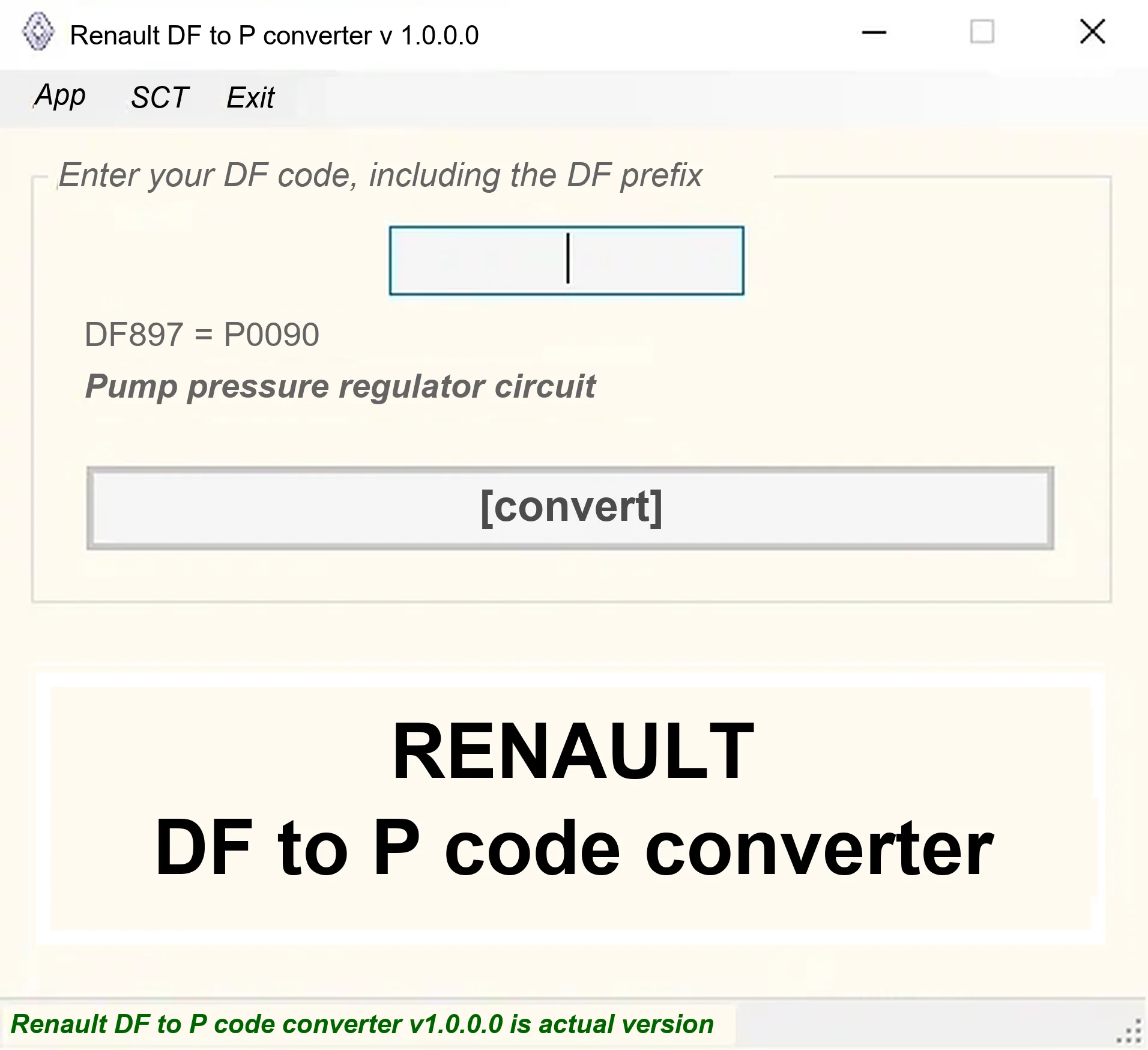
Offline Windows DF-to-P fault-code lookup for Renault diagnostic reports, with descriptions and a companion ECU Info number-prefix reference utility.

Legacy Windows ECU service software for supported VAG EDC15/ME7, PSA EDC15C2 and Opel Delco controllers, with profile-dependent PIN, identity and EEPROM functions through a matching interface.
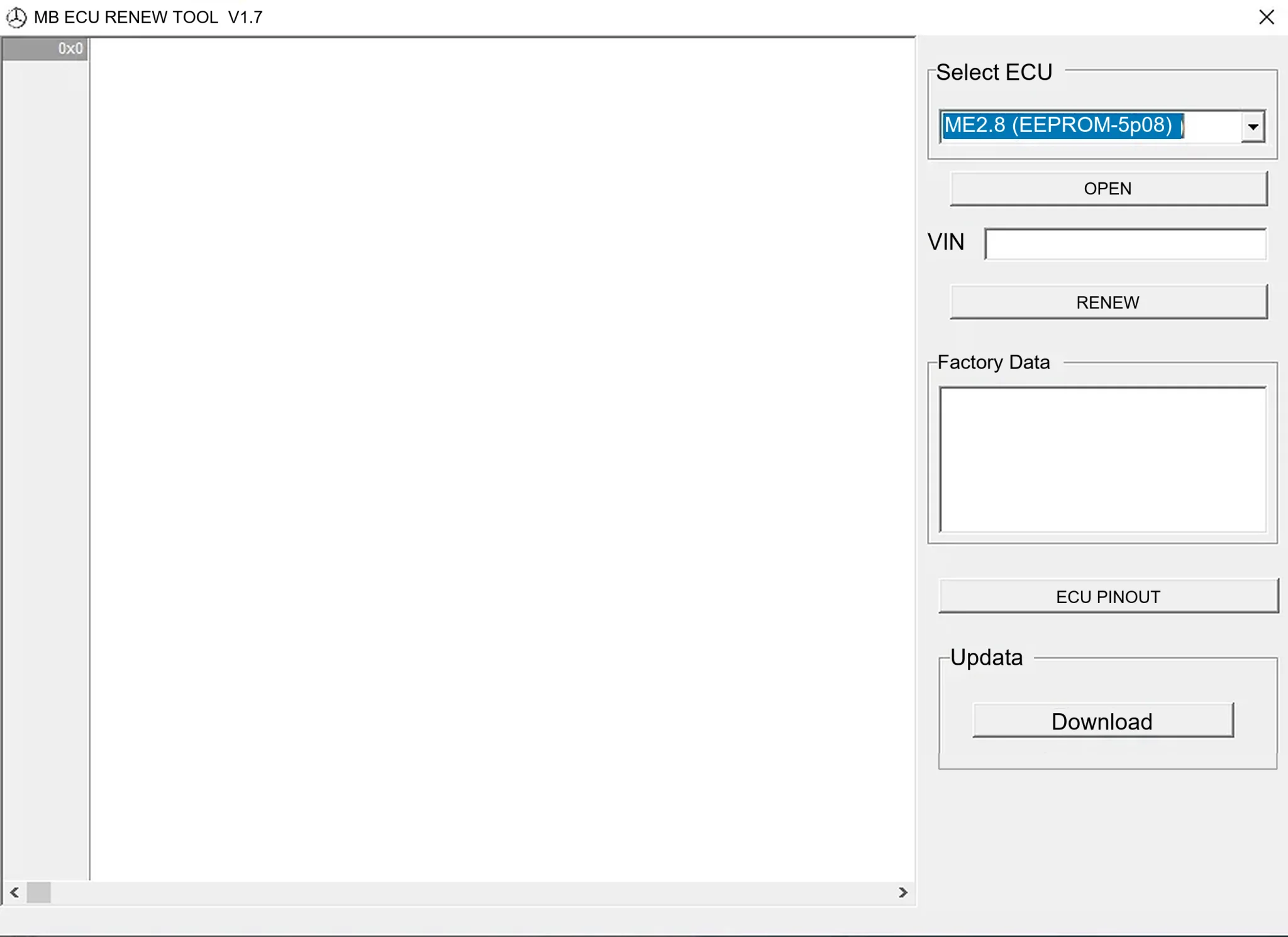
Offline Windows renew and virgin dump editor for selected Mercedes-Benz Bosch ME, EDC15 and Siemens SIM4 ECU profiles, with memory-specific processing and connector diagrams.

Offline Windows reference tool for Bosch ECU part numbers, controller families and OE cross-references, with exact, wildcard, prefix and binary-dump identifier searches.
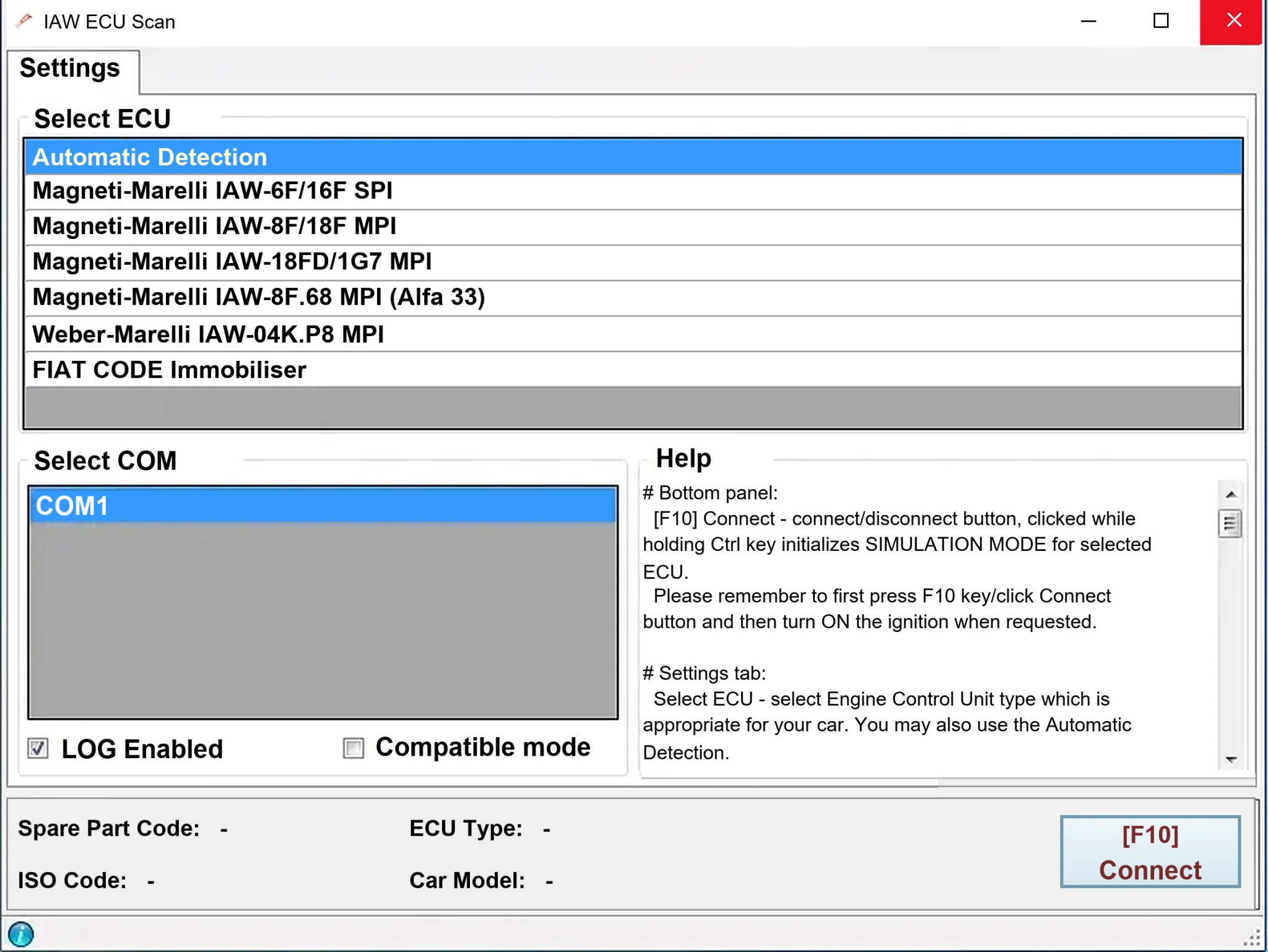
Windows diagnostics for selected legacy Magneti Marelli IAW ECUs in Fiat, Lancia and Alfa Romeo vehicles, using a KKL K-line interface for identification, faults and live data.