
SOFTWARE DATABASE / RELEASE RECORD
VERSION UnspecifiedInjection Duration and EOI Calculator Diesel Calibration Map Utility
Offline Windows calibration worksheet for aligned rail-pressure, injection-duration and SOI tables, with revised duration and end-of-injection calculations.
Categories
Overview
Injection Duration and EOI Calculator is an offline Windows calibration worksheet relating rail pressure, injection duration and start of injection (SOI). It accepts these three map inputs and generates a revised duration table and calculated end-of-injection (EOI) values.
It is intended for calibrators who understand map axes, engineering units and combustion timing. Mathematically correct output is not proof of a safe calibration. Injector characterization, injection-system limits, combustion pressure, exhaust temperature, smoke, noise and emissions still need validation for the actual engine and hardware.
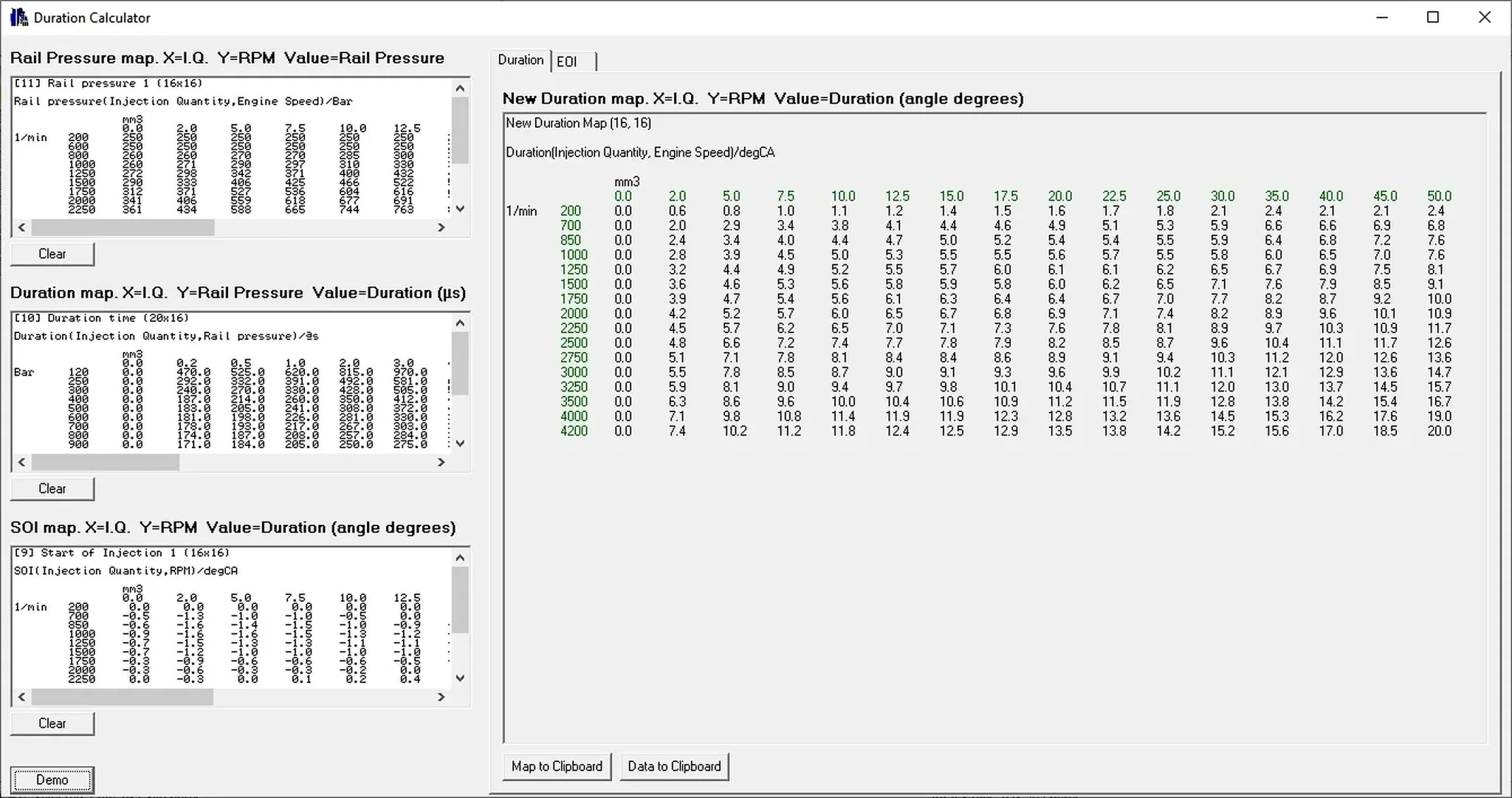
Demonstration rail-pressure, duration and SOI inputs with the calculated duration table. The Duration tab is selected; the EOI tab is visible.
What This Resource Is For
Model how a proposed change in fuel quantity or rail pressure affects energizing duration and the crank-angle point where injection ends. Reviewing the tables can also reveal axis mismatches or implausible operating regions before a proposed calibration reaches a dyno or vehicle.
Confirmed Functions
- Paste or load rail-pressure map data.
- Paste or load injection-duration map data.
- Paste or load start-of-injection map data.
- Calculate a revised duration table from aligned inputs.
- Calculate EOI values over the working area.
- Copy calculated tables into a calibration editor.
- Use the supplied demonstration text tables to understand the input layout.
Supported Vehicles, Controllers and Files
- The illustrated rail-pressure input is 16 × 16.
- The illustrated duration input is 20 × 16. The descriptive coverage also mentions a 20 × 16 SOI work area, while the supplied screenshot labels its SOI example 16 × 16. Confirm the actual expected layout against the sample data and your inputs.
- Applicability depends on correctly matched axes, units and interpolation assumptions.
- No vehicle or ECU-family coverage list is supplied.
- The calculator processes numeric map data; it does not directly open proprietary calibration-project formats.
Map Workspace and Units
- Rail Pressure: injection quantity on X, engine speed on Y and pressure values; the example uses mm³, 1/min and bar.
- Duration: injection quantity on X, rail pressure on Y and duration values in microseconds (µs).
- SOI: injection quantity and engine speed with crank-angle values (degCA); preserve the correct sign convention.
- New Duration: the example result is marked 16 × 16, with injection quantity, engine speed and duration expressed in crank-angle degrees.
The interface shows Duration and EOI tabs, individual Clear controls, Demo, Map to Clipboard and Data to Clipboard. The displayed demonstration values are not recommended settings for another engine.
Package Contents
- Portable native calculator application.
- Three demonstration text tables for duration, rail pressure and SOI.
- High-resolution interface preview.
- Archive-preparation notes specify that macOS metadata artifacts were excluded; this does not establish a macOS application build.
- No DAMOS, map packs, stock ECU files or modified calibrations.
System, Hardware and Interface Requirements
- Windows workstation; exact supported Windows editions, architecture and runtime requirements are unspecified.
- Calibration editor that can export and import numeric map tables.
- Correct axes and engineering units from a trusted project or ECU definition.
- Engine and injector technical data with suitable validation instrumentation.
- Dyno or controlled test environment for any calibration intended for use.
Recommended Workshop Workflow
- Identify every source table, axis and unit before copying its data.
- Export rail-pressure, duration and SOI values while preserving row and column order.
- Check interpretation against a known stock operating point.
- Calculate the proposed table and inspect discontinuities or negative timing margins.
- Transfer only intended values to a working calibration; handle checksum correction separately.
- Validate injection quantity, pressure, EOI, smoke, temperature and torque under controlled conditions.
Compatibility Limits and Responsible Use
- Matching table dimensions do not make different axes interchangeable.
- Injector delay and nonlinear behavior may depend on data outside a basic calculation.
- Unsafe EOI can increase smoke, exhaust temperature or cylinder pressure.
- The calculator does not enforce engine, turbocharger, fuel-system or emissions limits.
- Do not distribute or flash calculated output without independent engineering validation.
Troubleshooting
- Pasted values shift columns: check decimal separators, delimiters and exact table dimensions.
- Implausible EOI: check the crank-angle convention, SOI sign and duration units.
- Steps in the output: verify that axes are monotonic and correctly aligned.
- Clipboard import fails: reproduce the expected format with the bundled sample text.
- Editor rejects the calculated table: preserve row/column order and the target editor's delimiter.
File Integrity and Safety Notes
The package-preparation notes describe testing/extracting the archive and statically enumerating executables, libraries and nested containers without launching the automotive application. These are attributed preparation claims, not independent ECUDB binary or calibration tests.
Retain original hashes and backups, work on copies, independently check legacy or unsigned binaries and maintain a verified recovery route before controller writes or live-equipment changes.
Technical Compatibility
Operating Systems
System Requirements
- Windows workstation; exact supported Windows editions, architecture and runtime requirements are unspecified.
- Calibration editor that can export and import numeric map tables.
- Correct axes and engineering units from a trusted project or ECU definition.
- Engine and injector technical data with suitable validation instrumentation.
- Dyno or controlled test environment for any calibration intended for use.
Screenshots
Related Software
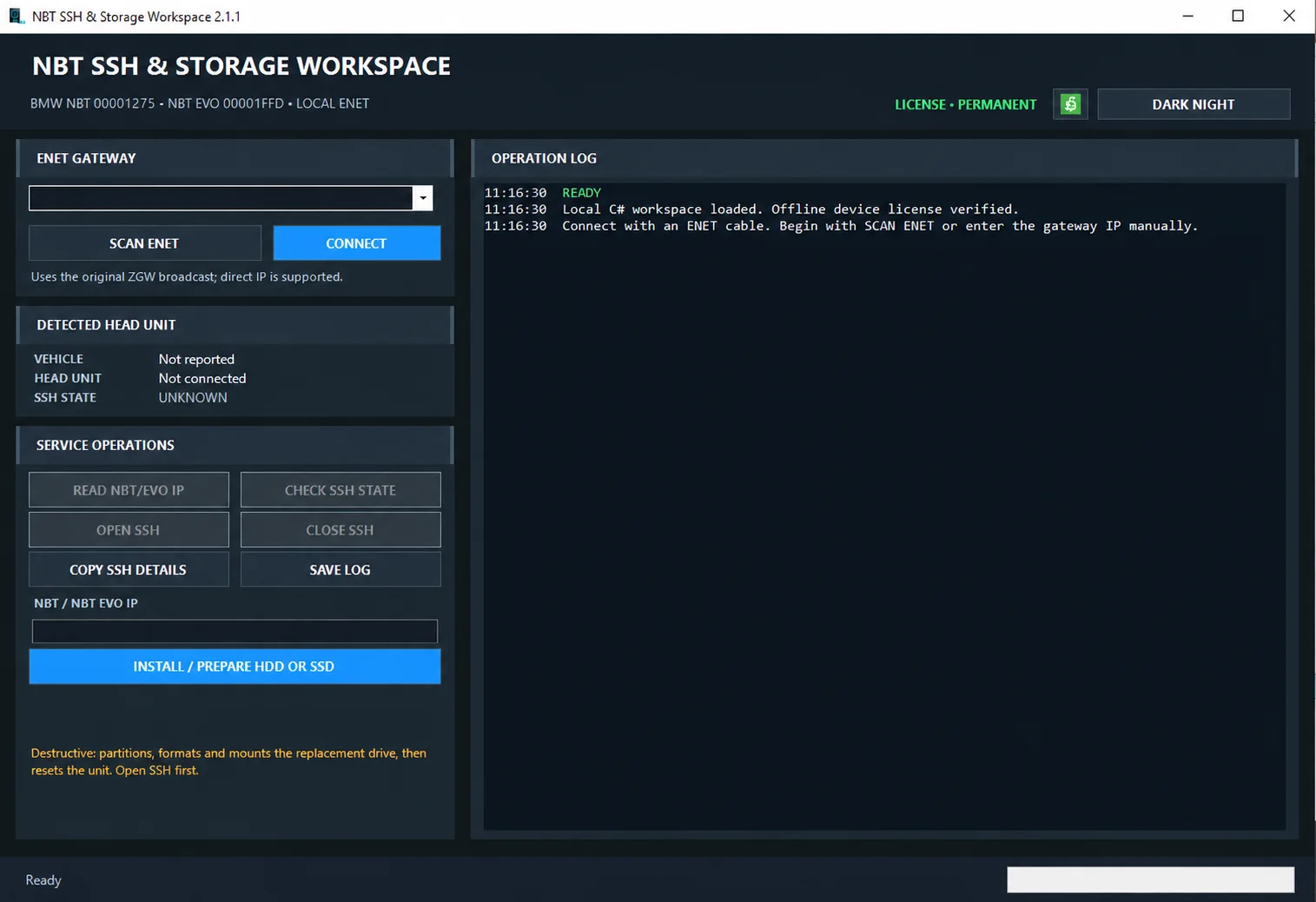
Windows ENET utility for identifying supported BMW head units, managing SSH access and preparing replacement HDD/SSD storage.

Windows BIN-file editor for locating and modifying supported ECU diagnostic trouble-code entries, with ECU-specific Disable/Remove actions and checksum validation requirements.

Windows automotive key database and cutting-control software for compatible Miracle machines, with profile search, bitting entry, blade preview and saved cutting jobs.
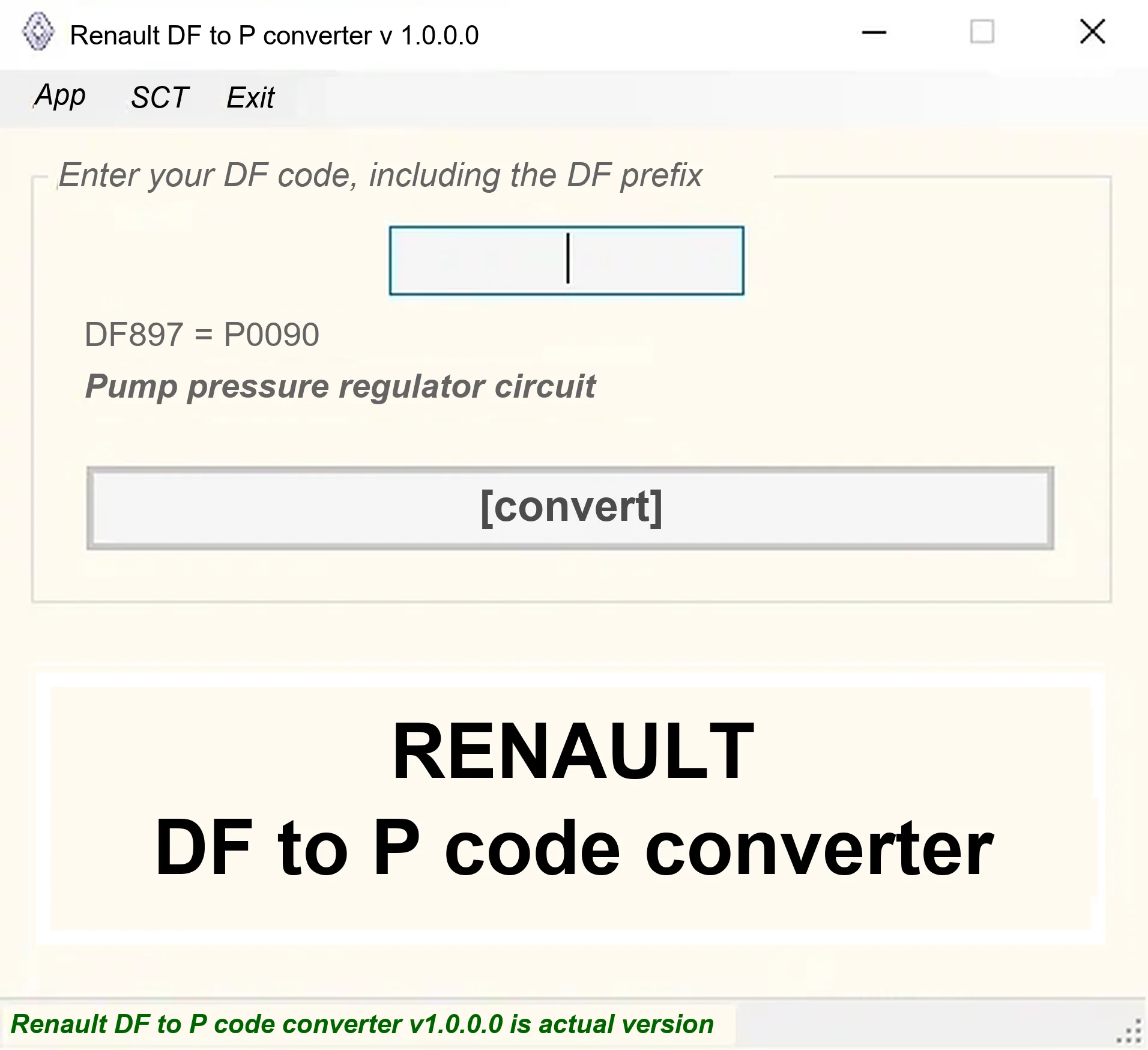
Offline Windows DF-to-P fault-code lookup for Renault diagnostic reports, with descriptions and a companion ECU Info number-prefix reference utility.

Legacy Windows ECU service software for supported VAG EDC15/ME7, PSA EDC15C2 and Opel Delco controllers, with profile-dependent PIN, identity and EEPROM functions through a matching interface.

Offline Windows reference and calculation tool for supported dashboard, body-module and EEPROM/MCU mileage profiles, with memory information, byte locations and repair calculations.