
SOFTWARE DATABASE / RELEASE RECORD
VERSION UnspecifiedGsmHelp Locksmith Helper - Vehicle Key and Immobilizer Database
Local Windows database for vehicle-key, transponder, remote frequency, blade and immobilizer-location references, with workshop notes and photo records.
Categories
Overview
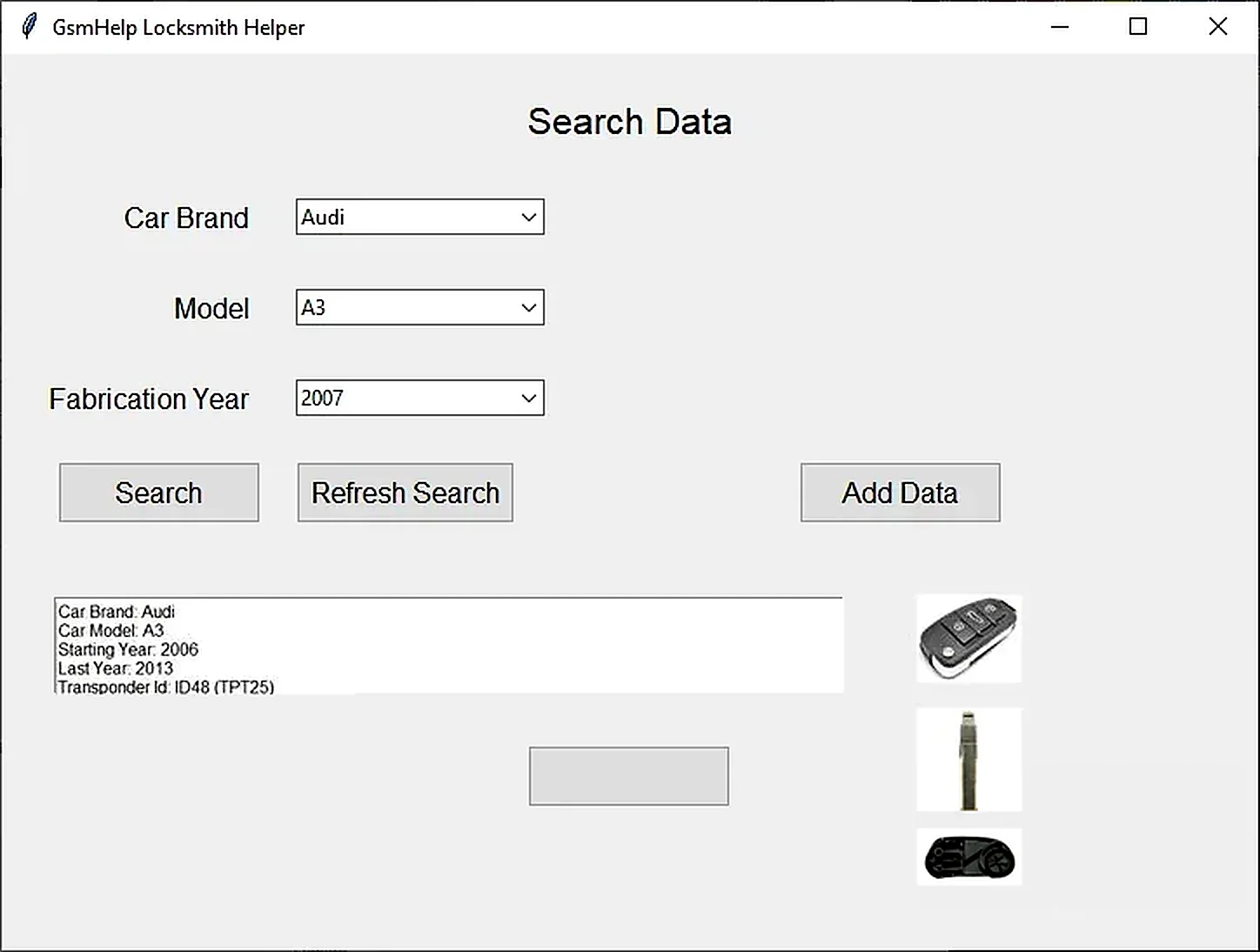
GsmHelp Locksmith Helper is a local workshop database for organizing vehicle-key, remote-control and immobilizer reference information. It lets locksmiths create structured make-and-model records and retrieve them when preparing authorized key or module service work.
The application stores production ranges, transponder references, remote frequency, blade type, immobilizer location, notes and photographs together. It provides an internal knowledge base for repeat jobs that would otherwise depend on scattered paper notes, phone images and spreadsheets.
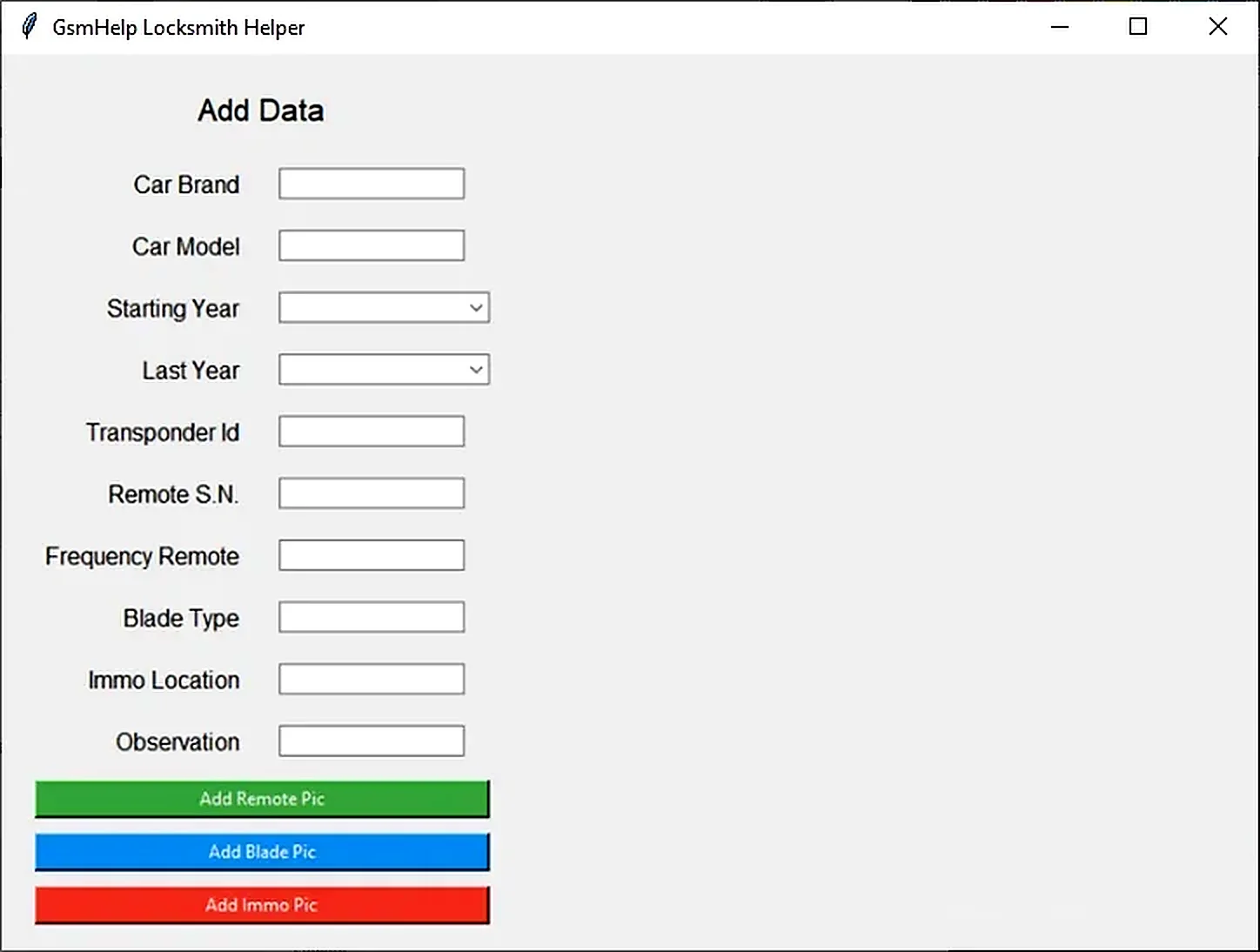
Data Fields Available for Each Vehicle
- Vehicle brand and model.
- Starting and ending production year.
- Transponder ID or family reference.
- Remote-control serial or reference number.
- Remote frequency.
- Mechanical blade type.
- Immobilizer location.
- Free-form observations and workshop notes.
Separate Add Remote Pic, Add Blade Pic and Add Immo Pic controls associate remote, blade and immobilizer-location photographs with a record. These visual references can help verify parts before ordering or dismantling a vehicle.
Typical Locksmith Workflow
- Create a record after checking the vehicle identification and production range against reliable service information.
- Enter verified transponder, frequency and blade information; do not substitute an uncertain online listing.
- Add clear photographs with neutral filenames and no customer documents visible.
- Document the immobilizer or antenna location and relevant model-year exceptions.
- Search the database before subsequent jobs and confirm the stored information against the actual vehicle.
- Back up the application folder and database after significant additions.
What the Application Does Not Do
This is an information-management utility rather than a diagnostic or programming suite. It does not read vehicles through OBD, calculate PINs or other security codes, clone transponders, generate remotes, modify immobilizer dumps or establish legal authorization to use a key. Actual service still requires suitable diagnostic hardware, a key programmer and the correct model-specific procedure.
Record quality depends on the operator. A matching make and model is insufficient when market differences, trim levels, production changes or replacement modules introduce different key systems.
System and Storage Requirements
- A Windows 10 workshop computer, as specified for the distributed application.
- A writable application folder for the local database and image library.
- Sufficient disk space for photographs accumulated over time.
- Regular backups stored in a separate protected location.
- A display resolution suitable for the desktop data-entry form.
The documented executable is a native 64-bit Windows application and is unsigned. When moving the installation, keep the application and data together: the configuration file and image directory form part of the working package.
Privacy and Record Quality
Avoid retaining customer names, addresses, registration documents, payment records, security codes or full VINs without a documented business need and appropriate retention arrangements. A useful reusable record describes the platform, verified key-system characteristics and workshop procedure without identifying a customer.
Use consistent make/model spelling and frequency units. Put market and production exceptions in the notes, and periodically review duplicate or outdated entries so that superseded information does not remain beside corrected records.
Troubleshooting
Missing record or photograph: check that the application folder is writable and that the image remains in the expected data directory.
Moving to another computer: copy the complete application folder rather than only the executable.
Inconsistent search results: review alternate spellings, extra spaces and overlapping year ranges.
Package and Safety Notes
The documented package contains the application, its configuration file and three bundled reference images selected from a tested archive. Preparation notes report static inspection without launching the executable; these are attributed package observations, not an independent ECUDB application test.
Use a controlled Windows environment and perform your own local security scan. No malware-free claim is made.
Technical Compatibility
Operating Systems
System Requirements
- Windows 10 computer capable of running the documented native 64-bit application.
- Writable application folder for the local database and image library.
- Disk space for photographs added over time; exact capacity unspecified.
- Separate protected backup location and regular backups.
- Display resolution suitable for the desktop data-entry form; exact minimum unspecified.
- Keep the configuration file and image directory with the application when moving it.
- Actual key or module work requires separate compatible diagnostic/programming equipment and service information.
Screenshots
Related Software
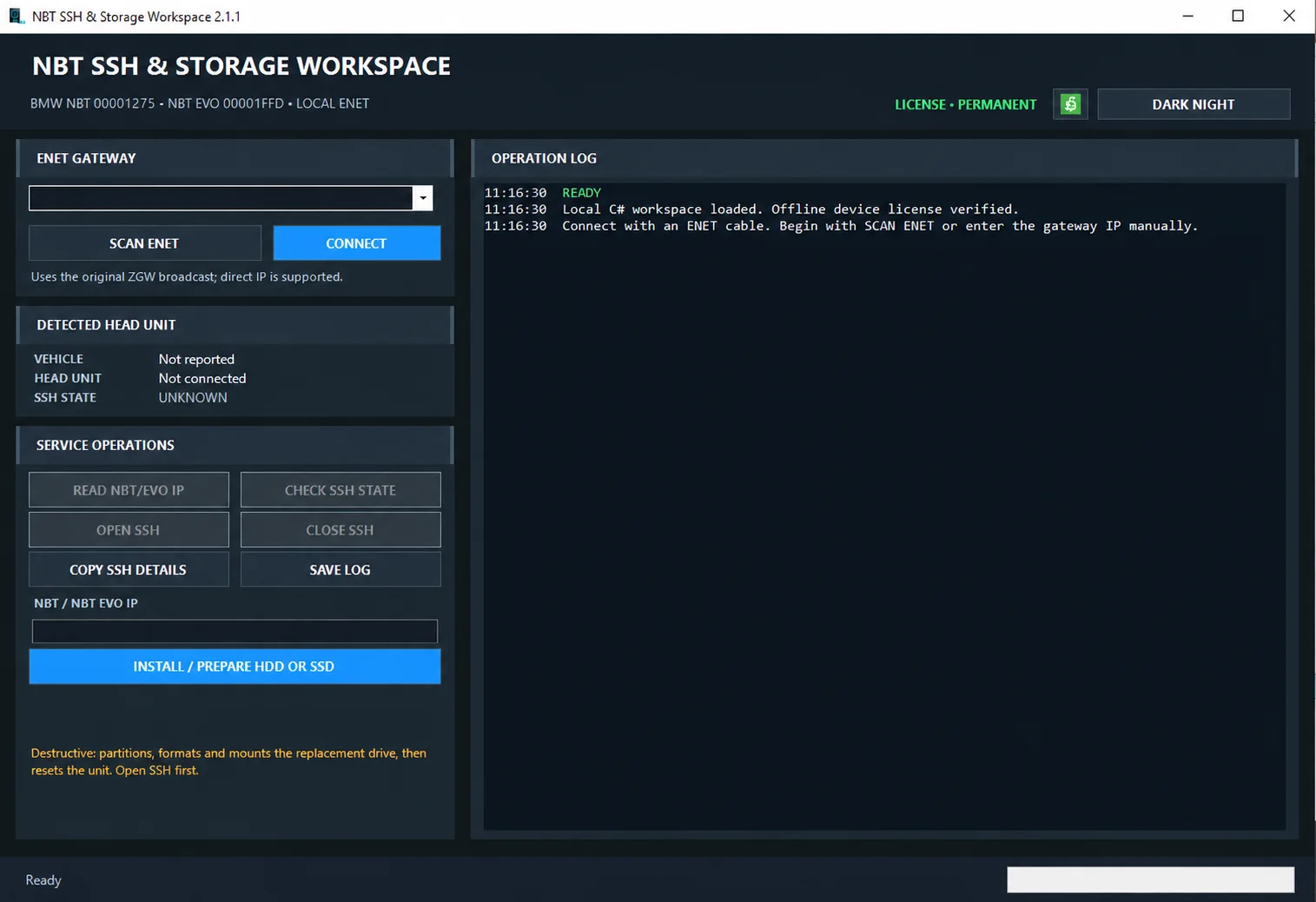
Windows ENET utility for identifying supported BMW head units, managing SSH access and preparing replacement HDD/SSD storage.

Windows automotive key database and cutting-control software for compatible Miracle machines, with profile search, bitting entry, blade preview and saved cutting jobs.
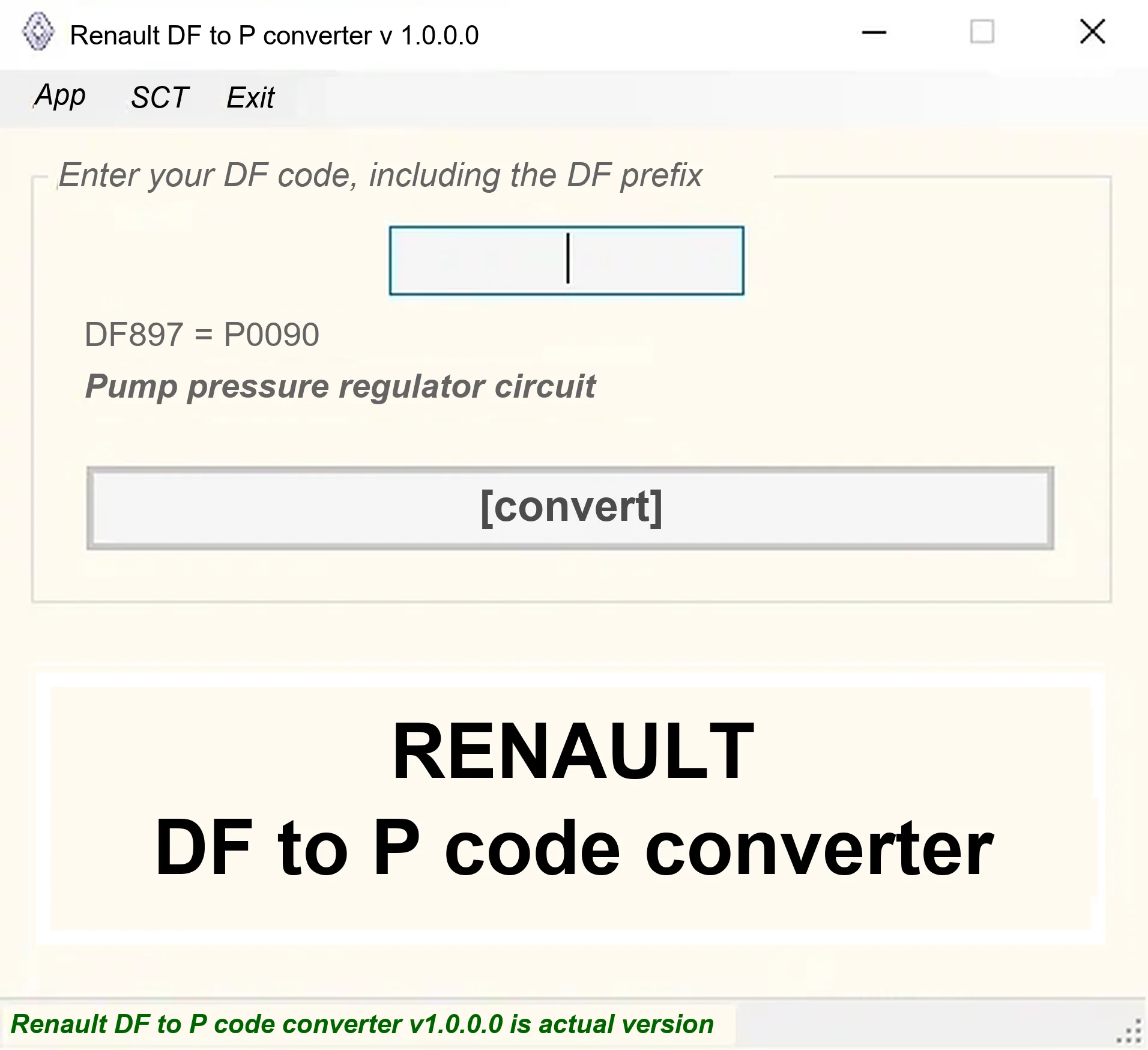
Offline Windows DF-to-P fault-code lookup for Renault diagnostic reports, with descriptions and a companion ECU Info number-prefix reference utility.

Legacy Windows ECU service software for supported VAG EDC15/ME7, PSA EDC15C2 and Opel Delco controllers, with profile-dependent PIN, identity and EEPROM functions through a matching interface.

Offline Windows reference and calculation tool for supported dashboard, body-module and EEPROM/MCU mileage profiles, with memory information, byte locations and repair calculations.
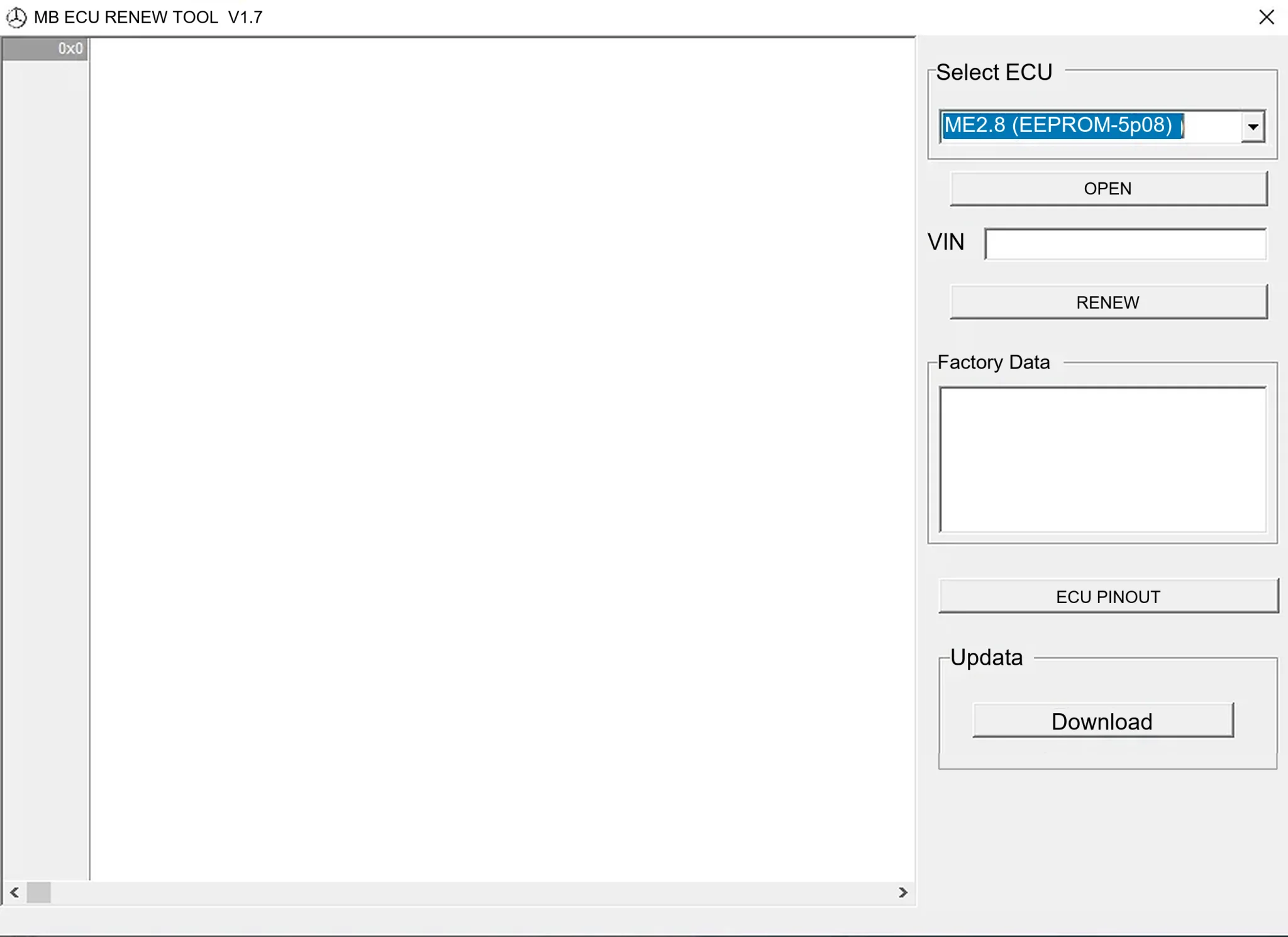
Offline Windows renew and virgin dump editor for selected Mercedes-Benz Bosch ME, EDC15 and Siemens SIM4 ECU profiles, with memory-specific processing and connector diagrams.