
SOFTWARE DATABASE / RELEASE RECORD
VERSION 20.6.8Genericode Automotive Key Code Retrieval and Cutting Database 20.6.8
Windows locksmith reference for authorized key-code lookup, blank cross-references, depth-and-space data, partial-cut progression and supported cutting-machine workflows.
Categories
Overview
Genericode 20.6.8 is a Windows locksmith reference and code-retrieval system. It helps translate an authorized key code, partial cut information or a known blank into practical key-cutting data.
The software combines automotive, motorcycle, utility, padlock and general code references with blank cross-references, depth-and-space specifications, progression tools and machine-oriented output. Its job view brings together cuts, spaces, depths, the keyway profile, blank choices and cutting controls.
It is reference and workflow software, not a transponder programmer or an immobilizer-bypass utility. A legitimate code source, ownership verification, the correct blank and a calibrated cutting machine remain necessary.
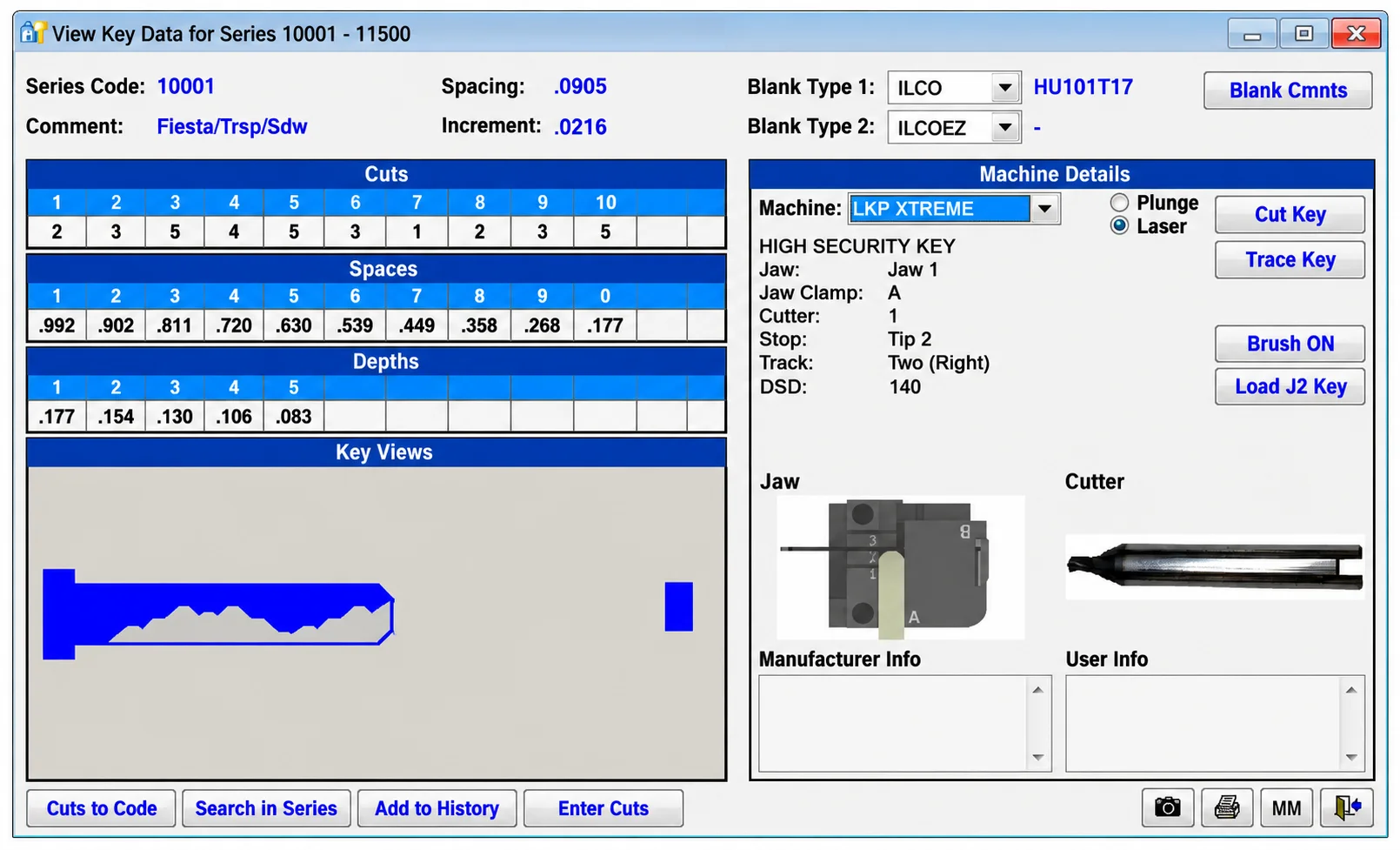
Genericode key-data workspace with code-series information, cuts, spaces, depths, blank references, key views and machine controls.
What This Resource Is For
Identify a key system, decode an authorized code, find equivalent blanks or transfer bitting information to a supported machine. Genericode also supports documentation of partial-cut progression and helps distinguish similar-looking blank families with different spacing or depth specifications.
Confirmed Functions
- Retrieve general key information using a known code number.
- Search vehicle, motorcycle, utility and padlock records by make, model, code or known cuts.
- Cross-reference key blanks from multiple manufacturers.
- Display depth-and-space specifications and keyway profiles.
- Build progression charts when only part of the bitting is known.
- Save lookup history for repeat service records.
- Look up sidewinder/high-security automotive code references where the database contains them.
- Send or translate cutting data for supported cutting-machine families.
Supported Vehicles, Systems and Reference Data
- General, vehicle, motorcycle, utility and padlock reference programs.
- Blank cross-references include Ilco, Ilco X and EZ, Dominion, Curtis, Jet, Star, ESP, Borkey, Silca, Orion and original reference numbers.
- Cutting information is documented for Framon, HPC, ITL, Ilco, A1, Curtis and Laser Key Products machines, depending on the selected record.
- The illustrated machine workspace exposes Plunge/Laser methods, tracing, brushing and machine-load controls.
- An entry in the database does not establish ownership or permission to originate a key.
Check the actual database entry and machine configuration rather than assuming every make, model, lock family or machine revision is covered.
Key-Data Workspace
The illustrated screen separates Cuts, Spaces, Depths, Key Views and Machine Details. It includes a series code, a comment describing the key system, spacing and increment values, two blank-type selectors and a blank reference.
Machine details include jaw, clamp, cutter, stop, track and DSD information alongside the displayed jaw/cutter illustrations. Visible controls include Cut Key, Trace Key, Brush ON and Load J2 Key. Lookup controls include Cuts to Code, Search in Series, Add to History and Enter Cuts. These illustrate the documented screen, not a universal setup for another lock or machine.
Package Contents
The package notes describe:
- The main Genericode installer.
- A companion activation utility retained as supplied and reportedly inspected statically.
- The original application preview documenting the key-data screen.
- Two native Windows executables in the prepared package.
No cutting machine, USB cable, subscription entitlement, stock of blanks or transponder equipment is included. Activation and database-update availability are separate from the supplied files. The package description does not establish a license entitlement.
System, Hardware and Interface Requirements
- Windows workstation; contemporary releases are documented for Windows 10 or newer, while the exact supported Windows range for version 20.6.8 is not established.
- Sufficient storage for the database, service history and backups.
- Supported key-cutting machine, or a qualified technician able to translate the displayed dimensions manually.
- Verified key-code source and customer ownership/authorization documentation.
- Calibrated cutter, correct jaw setup and the exact physical blank.
The Windows 10-or-newer statement concerns contemporary product documentation. It is not a verified minimum operating-system requirement or test result for this specific 20.6.8 package.
Recommended Workshop Workflow
- Verify the customer's authority and identify the vehicle or lock precisely.
- Search by code, make/model or blank reference, then confirm the resulting key series.
- Compare the keyway, blank cross-reference, spaces and depths with the actual lock system.
- Select the correct machine method and jaw setup.
- Cut a test key conservatively, deburr it and check mechanical operation without forcing the lock.
- Record the completed lookup while retaining only the customer/security information needed for the authorized service record.
Compatibility Limits and Responsible Use
- The same code string may occur in more than one key family.
- Check database results against model year, market and lock supplier.
- Cutting a mechanical key does not program its transponder or provide immobilizer authorization.
- Do not originate a key without lawful ownership and service-authorization verification.
- The presence of installation or activation files does not establish current activation access or database-update entitlement.
Troubleshooting
- No result: try make/model, blank-number and code-series searches; do not guess a key family.
- Blank appears incorrect: compare the profile and cross-reference rather than relying only on the stamped number.
- Cuts do not align: check the series, spacing datum, jaw setup and machine calibration.
- Machine connection fails: independently verify the machine-specific driver or export route.
- Key turns poorly: stop before damaging the lock; recheck the blank, shoulder/tip datum, depths and deburring.
File Integrity and Safety Notes
The package-preparation notes report that the archive was tested and extracted, and that executables, libraries and nested containers were enumerated and inspected statically without launching the automotive software. These describe the documented preparation, not an independent ECUDB archive or executable test.
Preserve original file hashes and backups, use working copies, and independently check legacy or unsigned binaries before use. Keep a verified recovery plan before changing live equipment or carrying out any separate controller-writing operation.
Technical Compatibility
Operating Systems
System Requirements
- Windows workstation; contemporary releases are documented for Windows 10 or newer, while the exact supported Windows range for version 20.6.8 is not established.
- Sufficient storage for the database, service history and backups.
- Supported key-cutting machine, or a qualified technician able to translate the displayed dimensions manually.
- Verified key-code source and customer ownership/authorization documentation.
- Calibrated cutter, correct jaw setup and the exact physical blank.
Screenshots
Related Software
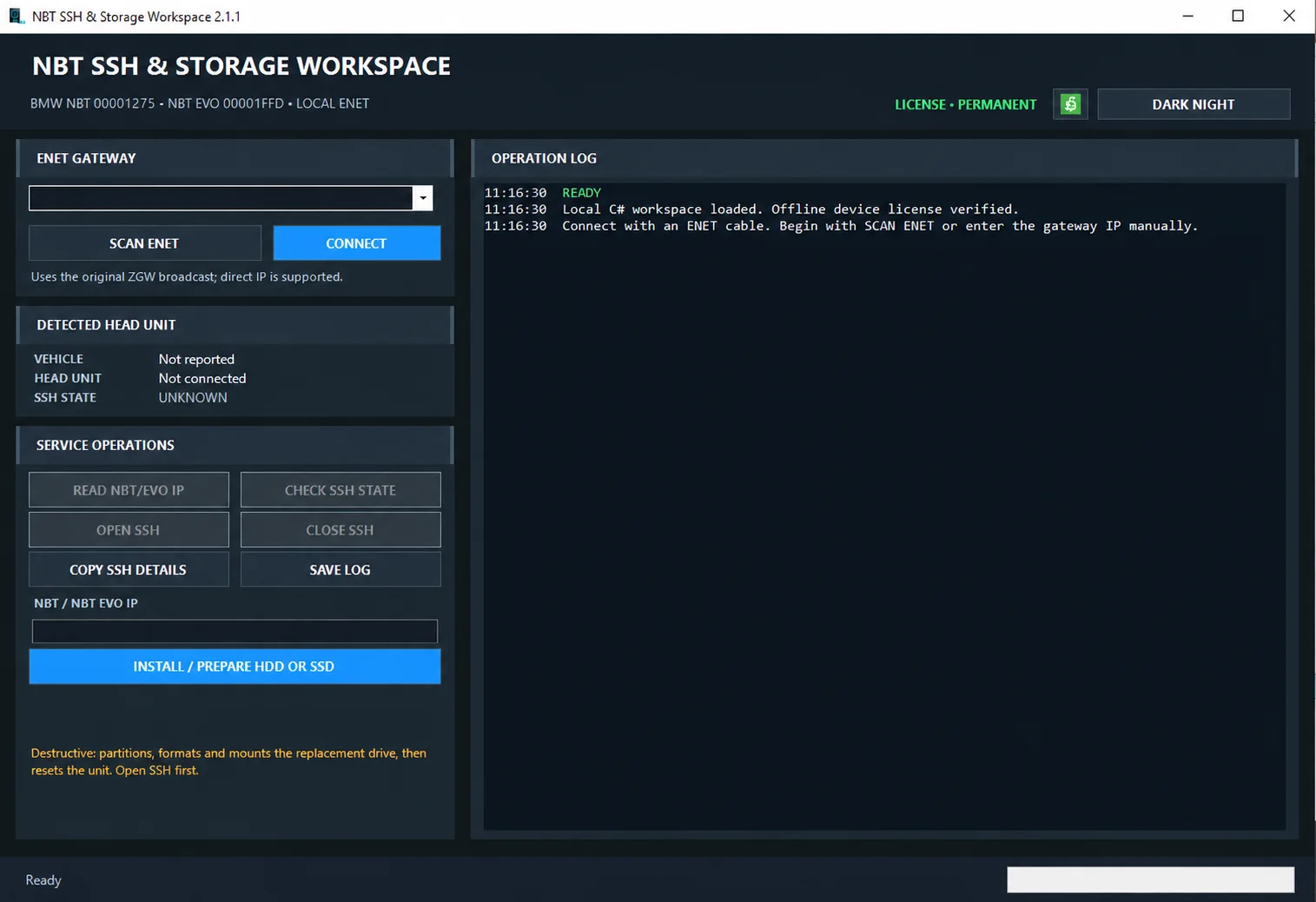
Windows ENET utility for identifying supported BMW head units, managing SSH access and preparing replacement HDD/SSD storage.

Windows automotive key database and cutting-control software for compatible Miracle machines, with profile search, bitting entry, blade preview and saved cutting jobs.
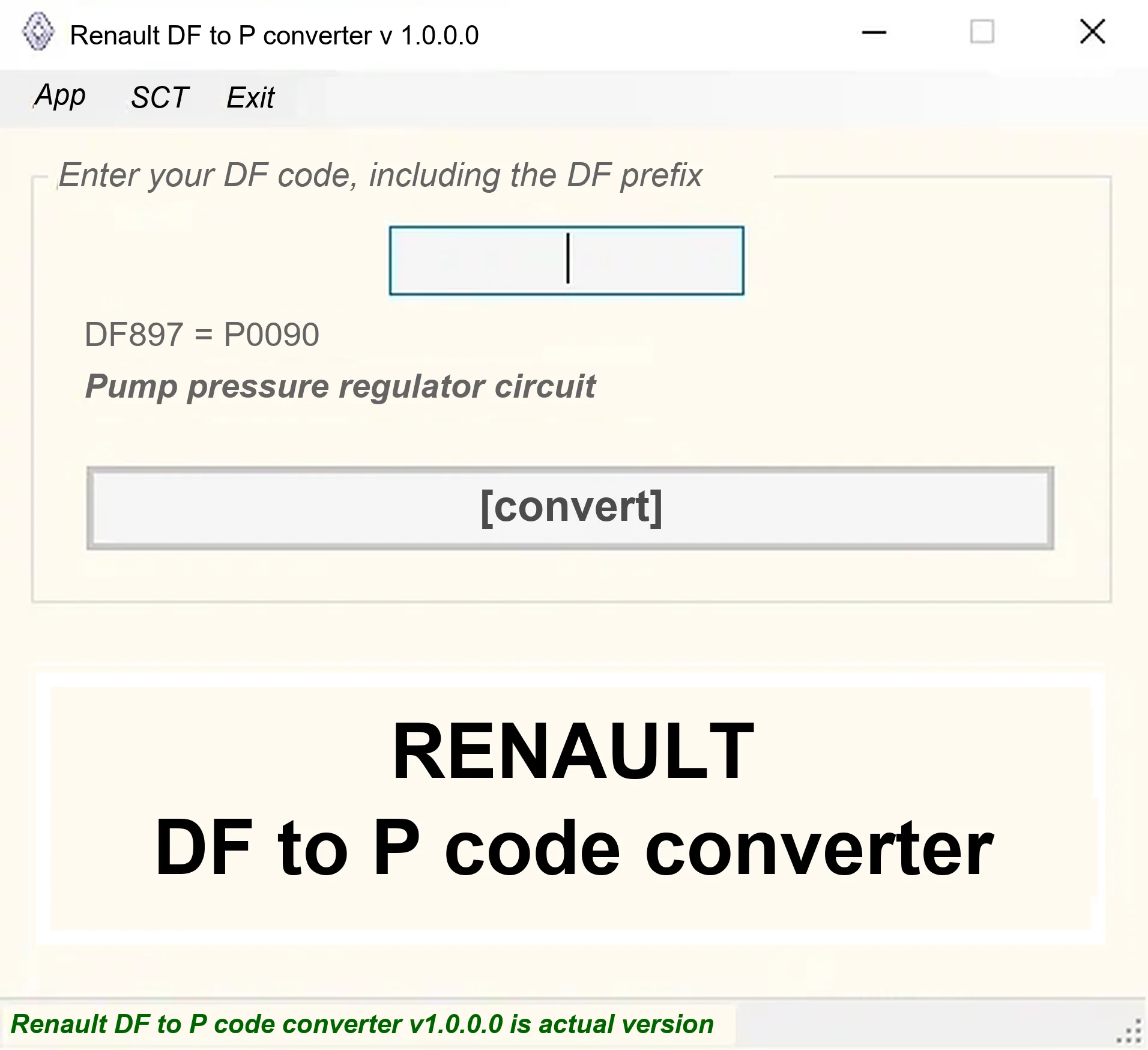
Offline Windows DF-to-P fault-code lookup for Renault diagnostic reports, with descriptions and a companion ECU Info number-prefix reference utility.

Offline Windows reference and calculation tool for supported dashboard, body-module and EEPROM/MCU mileage profiles, with memory information, byte locations and repair calculations.

Offline Windows reference tool for Bosch ECU part numbers, controller families and OE cross-references, with exact, wildcard, prefix and binary-dump identifier searches.
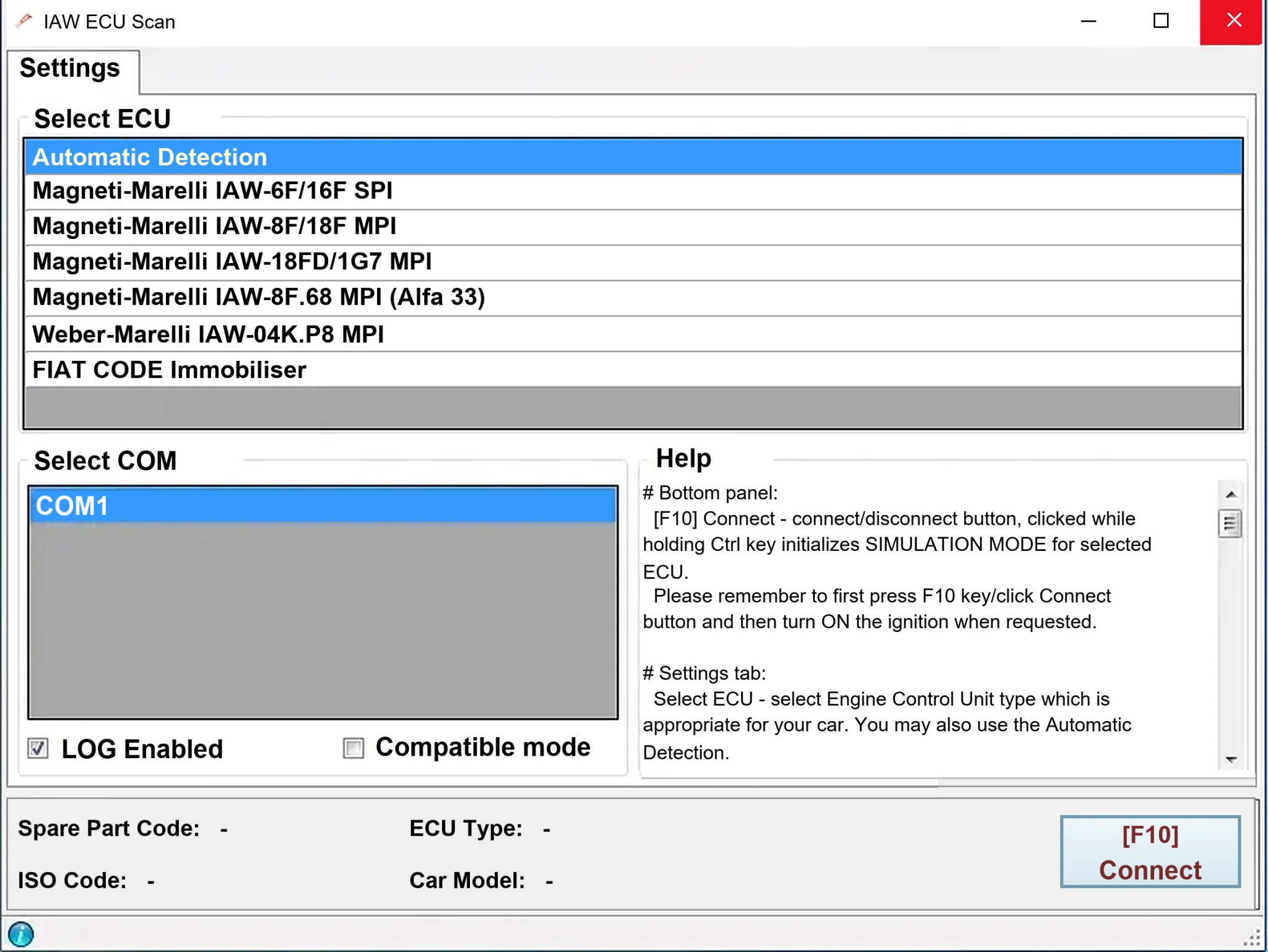
Windows diagnostics for selected legacy Magneti Marelli IAW ECUs in Fiat, Lancia and Alfa Romeo vehicles, using a KKL K-line interface for identification, faults and live data.