
SOFTWARE DATABASE / RELEASE RECORD
VERSION UnspecifiedCaterpillar CDVR PC Software Digital Voltage Regulator Configuration
Windows service software for supported Caterpillar digital voltage regulators, covering generator ratings, PT/CT ratios, sensing, gain, protection, metering and EEPROM functions.
Categories
Overview
Caterpillar CDVR PC Software is a Windows service application for supported Caterpillar digital voltage regulators used in generator systems. It provides work areas for Configure, Settings, Gain, Protection, Metering and Group, together with Get From Unit and EEPROM operations.
System configuration covers rated generator voltage, current, frequency, reactive-power rating, potential-transformer (PT) and current-transformer (CT) ratios, sensing mode and input selection.
A voltage regulator affects generator excitation and electrical output directly. Configuration and live testing require a qualified generator technician, with the equipment isolated or operated under the prescribed controlled service procedure.
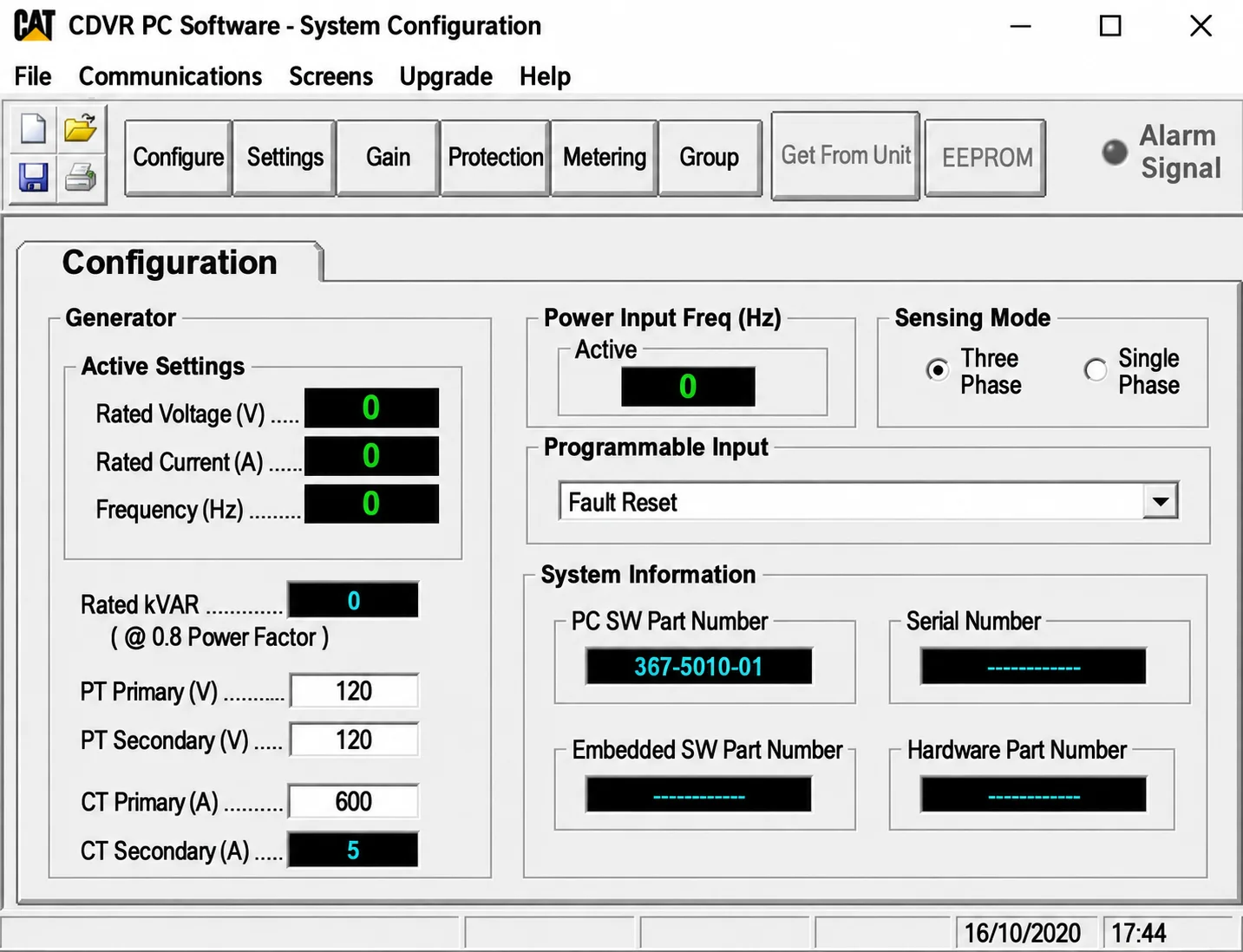
CDVR System Configuration workspace showing generator ratings, PT/CT fields, sensing mode, programmable input and system-information fields.
What This Resource Is For
Retrieve, document and adjust supported CDVR parameters during commissioning, regulator replacement or fault diagnosis. Compare generator-nameplate information with transformer settings, inspect metering/protection values and preserve the current configuration before changing a component.
Confirmed Functions
- Retrieve configuration from a connected, supported CDVR.
- Review rated generator voltage, current, frequency and reactive-power values.
- Set or verify PT and CT primary/secondary ratios.
- Select sensing mode and supported external-input behavior.
- Review gain and regulator settings.
- Inspect protection and metering pages.
- Work with group parameters and EEPROM functions where supported.
- Record regulator and control-board part-number fields.
Supported Generator Systems and Controllers
- Designed for the Caterpillar digital-voltage-regulator hardware covered by the CDVR application.
- Applicable generator-set and alternator combinations depend on the regulator part number and the matching Caterpillar service information.
- The interface offers single-phase and three-phase sensing choices, with common 50/60 Hz configurations documented.
- PT, CT, droop, excitation and protection behavior must match the actual generator wiring.
- Support is not established for unrelated EMCP, IVR or third-party regulator hardware.
System Configuration Workspace
The illustrated configuration page groups the following fields:
- Rated Voltage (V).
- Rated Current (A).
- Frequency (Hz).
- Rated kVAR, with the displayed 0.8 power-factor reference.
- PT Primary (V) and PT Secondary (V).
- CT Primary (A) and CT Secondary (A).
- Active Power Input Frequency (Hz).
- Sensing Mode: Three Phase or Single Phase.
- Programmable Input selection.
- PC SW Part Number, Serial Number, Embedded SW Part Number and Hardware Part Number.
The screenshot shows Three Phase and Fault Reset selected. Its displayed ratings and PT/CT values are an interface example, not recommended settings for another generator. The visible 367-5010-01 is a PC SW part-number field; it is not used here as an inferred software version.
Package Contents
- One native Windows CDVR service executable.
- The system-configuration preview.
- No generator calibration, firmware collection, service cable or Caterpillar SIS entitlement.
The package notes state that reliable embedded product-version information was unavailable and that the executable was not launched during preparation. The software version remains Unspecified; its exact release/update dates, file size and license classification are unknown.
System, Hardware and Interface Requirements
- Dedicated Windows service laptop; legacy compatibility settings may be required, and exact Windows editions/architecture are unspecified.
- Supported Caterpillar CDVR hardware and the correct service communication cable/interface.
- Caterpillar service information and generator wiring diagram matching the equipment serial number.
- Qualified generator technician with controlled access to energized equipment.
- Suitable metering instruments, lockout/tagout procedure and stable auxiliary power as specified for the equipment.
Recommended Workshop Workflow
- Record the generator serial number and the alternator, regulator and control-panel part numbers.
- Apply the equipment-specific lockout/tagout procedure and inspect wiring, fuses, grounding and sensing circuits.
- Connect through the documented service cable/interface and retrieve the complete existing configuration.
- Compare every rating and PT/CT field with the generator nameplate and wiring diagram.
- Change one parameter group at a time and retain a dated configuration backup.
- Perform only the prescribed commissioning tests, verify output and protection behavior, and document the final values.
Compatibility Limits and Responsible Use
- Incorrect PT/CT ratios can produce dangerously incorrect displayed values and regulator behavior.
- Gain or protection changes may destabilize voltage regulation or remove necessary protective behavior.
- Do not connect or disconnect service wiring while equipment is energized unless the official equipment procedure explicitly requires it.
- The software does not replace insulation, grounding or excitation-system tests.
- EEPROM operations require correct hardware identification and a verified recovery plan.
Troubleshooting
- No communication: check regulator power, service-connector pinout, cable and the required legacy driver.
- Incorrectly scaled readings: compare the PT/CT ratios with the wiring and generator nameplate.
- Unstable voltage: restore the documented baseline and inspect sensing, excitation and generator condition.
- Protection trips following configuration: review thresholds, delays, frequency and nominal ratings.
- EEPROM operation fails: do not power-cycle blindly; preserve the logs and follow the applicable Caterpillar recovery information.
File Integrity and Safety Notes
The package-preparation notes report that the archive was tested/extracted and its executables, libraries and nested containers were enumerated and inspected statically without launching the software. This describes the documented preparation, not an independent ECUDB binary test.
Preserve original file hashes and backups, work on copies, independently check legacy or unsigned binaries and maintain a verified recovery route before writing a controller or changing live equipment.
Technical Compatibility
Operating Systems
System Requirements
- Dedicated Windows service laptop; legacy compatibility settings may be required, and exact Windows editions/architecture are unspecified.
- Supported Caterpillar CDVR hardware and the correct service communication cable/interface.
- Caterpillar service information and generator wiring diagram matching the equipment serial number.
- Qualified generator technician with controlled access to energized equipment.
- Suitable metering instruments, lockout/tagout procedure and stable auxiliary power as specified for the equipment.
Screenshots
Related Software
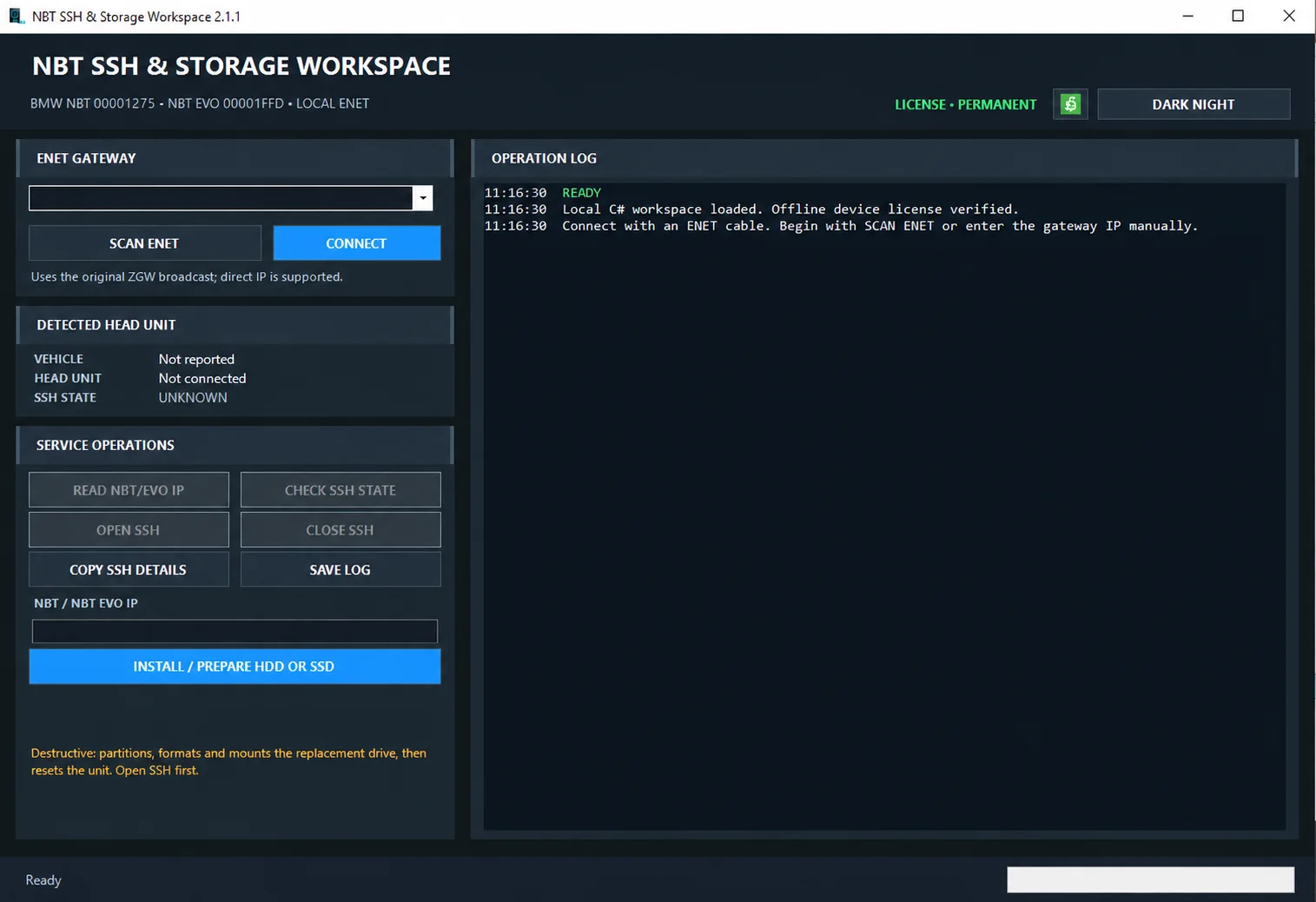
Windows ENET utility for identifying supported BMW head units, managing SSH access and preparing replacement HDD/SSD storage.

Windows automotive key database and cutting-control software for compatible Miracle machines, with profile search, bitting entry, blade preview and saved cutting jobs.
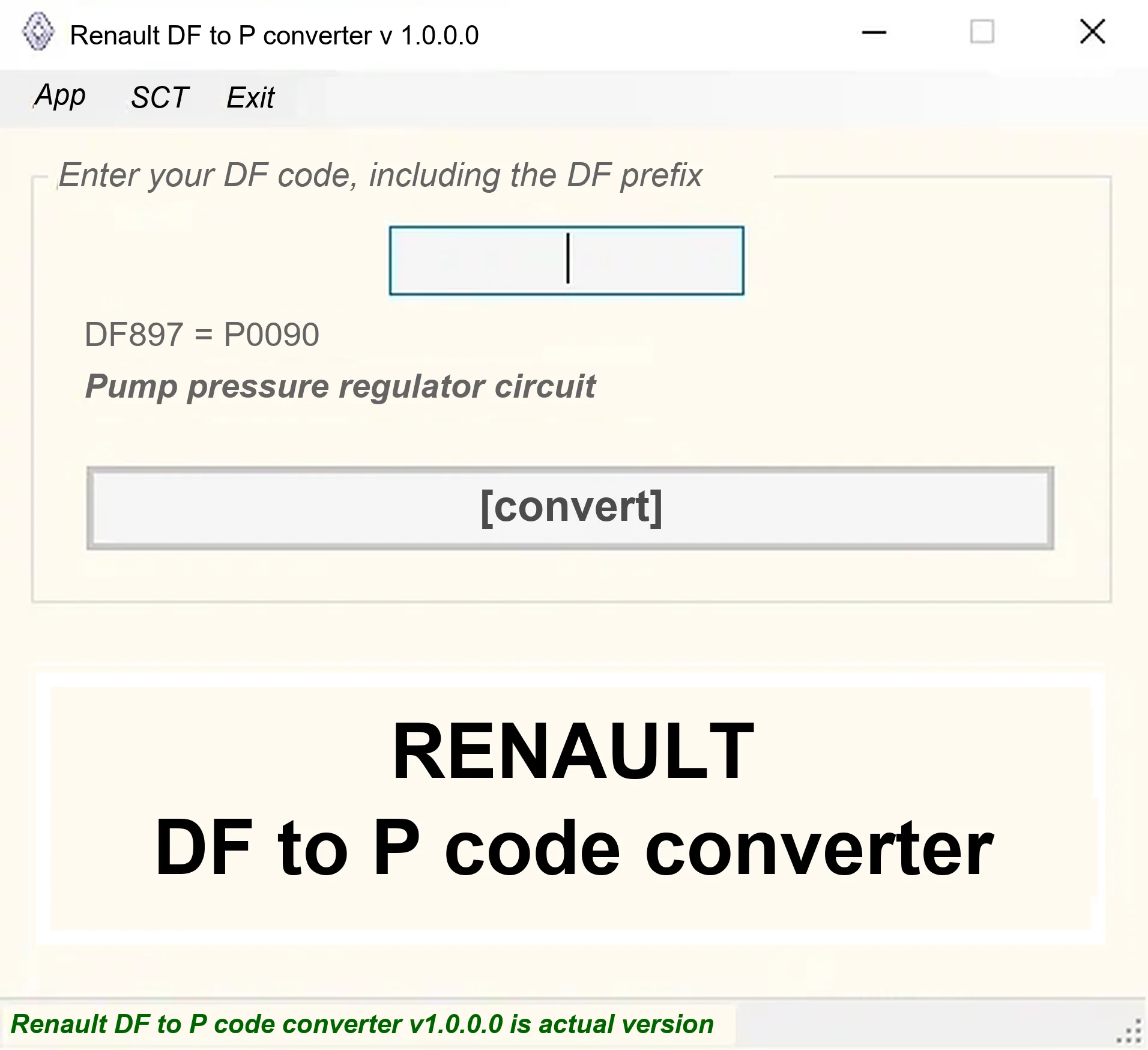
Offline Windows DF-to-P fault-code lookup for Renault diagnostic reports, with descriptions and a companion ECU Info number-prefix reference utility.

Offline Windows reference and calculation tool for supported dashboard, body-module and EEPROM/MCU mileage profiles, with memory information, byte locations and repair calculations.

Offline Windows reference tool for Bosch ECU part numbers, controller families and OE cross-references, with exact, wildcard, prefix and binary-dump identifier searches.
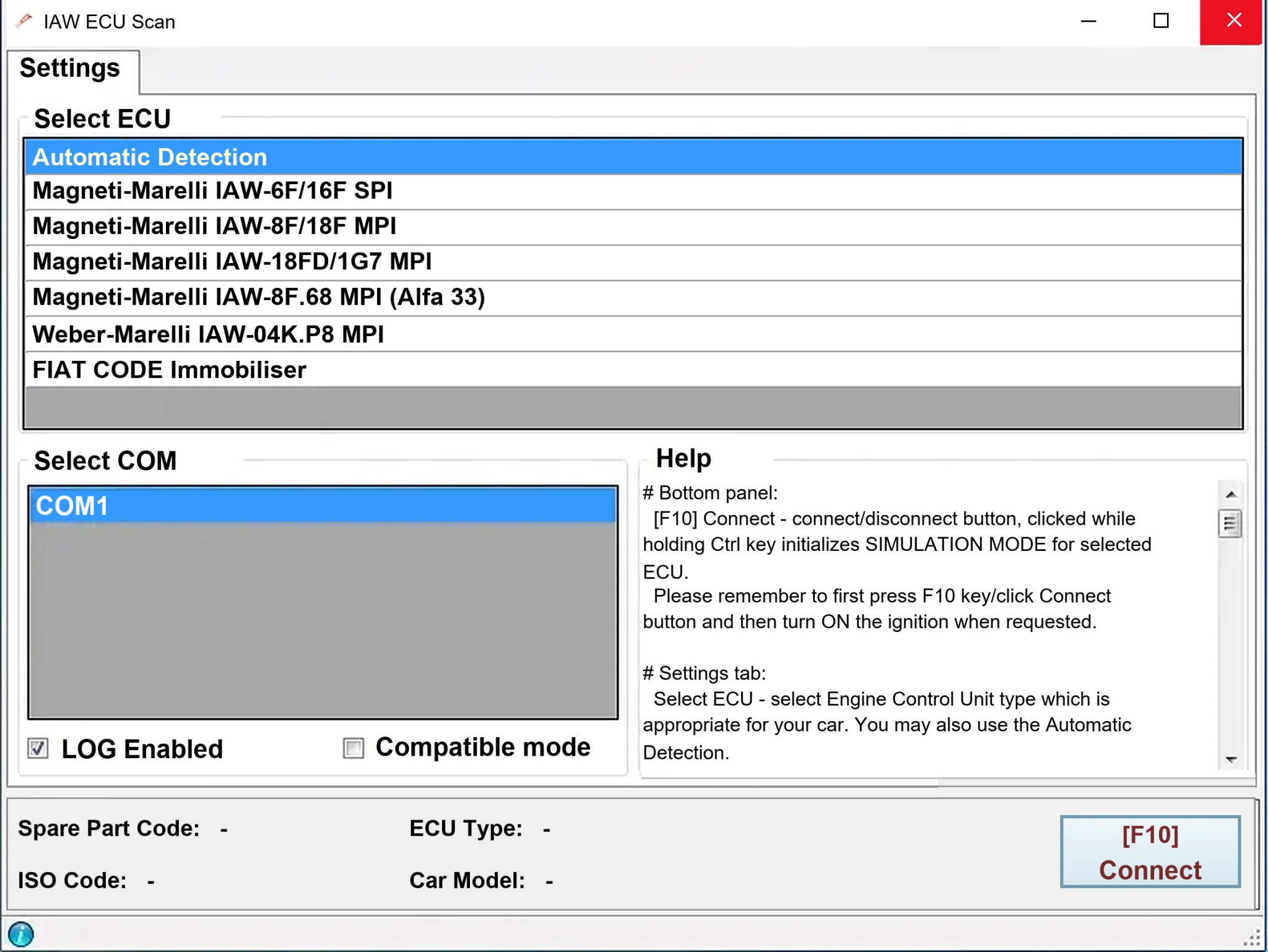
Windows diagnostics for selected legacy Magneti Marelli IAW ECUs in Fiat, Lancia and Alfa Romeo vehicles, using a KKL K-line interface for identification, faults and live data.